Why one room in your home always drops the signal
Dead zones are rarely caused by a faulty router. They are usually a predictable consequence of geometry, building materials and the band your devices choose.
By Marisol Devereaux · Networking Desk
7 min readReported from Providence, RI
Reviewed by Priya Ramanathan
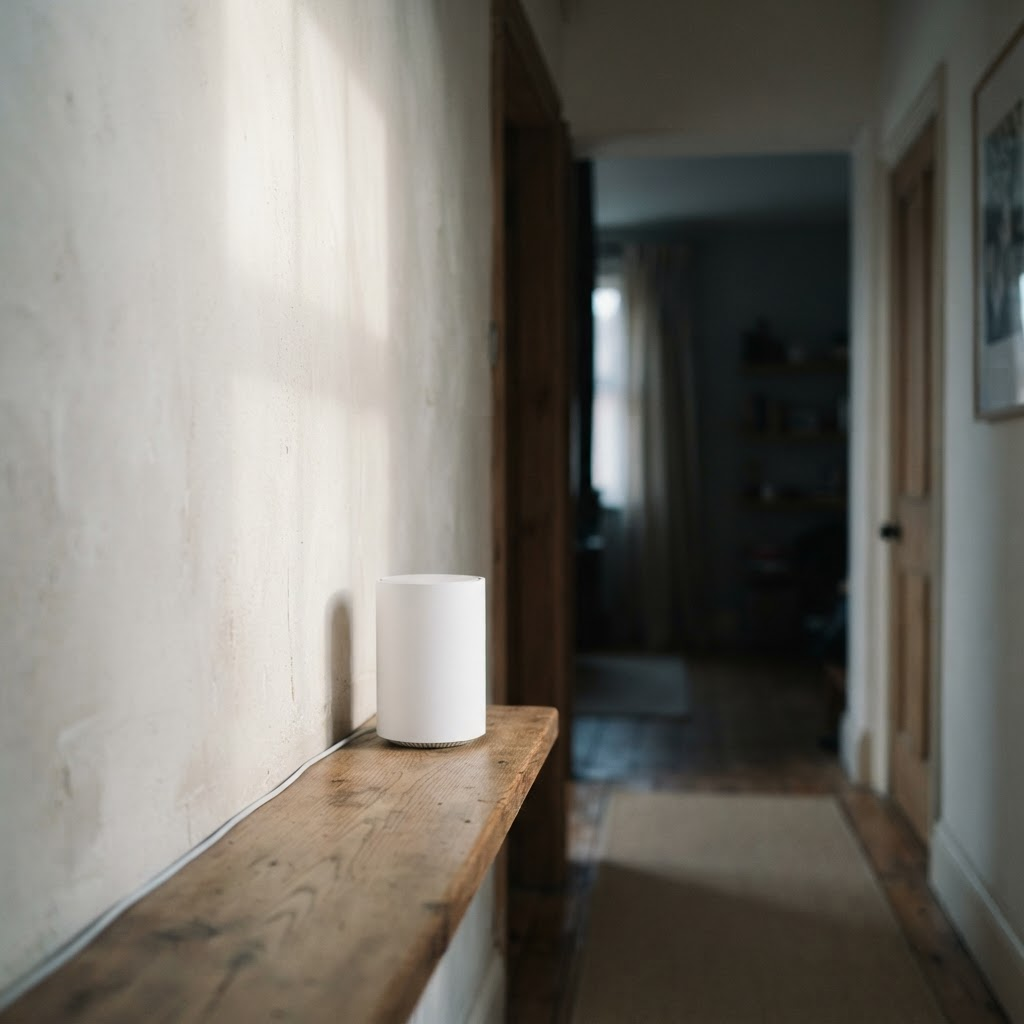
A household reports the same complaint often enough that it has become a genre of its own: the internet is fine everywhere except one room. The back bedroom, the kitchen, the finished basement, the corner of the house where somebody works. The connection is not broken. It simply thins out at a boundary that nobody drew on purpose.
The explanation is almost always physical rather than electronic. A wireless access point radiates outward in a rough, lumpy sphere. Every wall, floor, appliance and pipe in the path of that sphere absorbs or reflects part of it. Drywall costs a signal very little. Tile, brick, plaster with wire mesh backing, concrete, mirrored surfaces and anything containing a significant volume of water cost it a great deal.
The band a device chooses matters more than the band you bought
Modern equipment advertises several radio bands. Lower-frequency transmissions travel further and pass through obstacles more gracefully, but carry less data. Higher-frequency transmissions carry far more data across a shorter, less forgiving distance. That trade is fixed by physics and no amount of firmware changes it.
This creates a common failure that looks like a hardware fault. A phone connects to a high-frequency band while sitting next to the router, then keeps holding that connection as it is carried down a hallway and through two walls, long past the point where the band is a sensible choice. The device is not obliged to hand itself off gracefully, and many do it late.
What tends to help, in the order worth trying
- Move the access point away from the exterior wall. Equipment installed where the line enters the building spends much of its output radiating into the yard.
- Raise it and clear it. Waist height in open air beats a cabinet on the floor, and a shelf beats a cupboard.
- Count the obstacles between the access point and the problem room, not the distance. Two walls at an oblique angle behave like considerably more than two walls.
- Add a second access point wired back to the first if the building allows it. A wired connection between units is far more reliable than one repeated over the air.
- Treat replacement hardware as the last step, not the first. A new unit placed in the same poor location generally reproduces the same map of dead zones.
When the room is not the problem
Occasionally the pattern is not spatial at all. A connection that degrades in one room at the same hour each evening, in a dense apartment building, is more likely to be contending with neighbouring networks on an overlapping channel than with the wall behind the sofa. Congestion is easy to mistake for coverage, and the fix is different: change the channel, not the furniture.
The useful habit is to describe the fault precisely before changing anything. Where does it happen, on which devices, at what times, and does a wired device in the same room show the same behaviour? A household that can answer those four questions has usually already identified the cause.
What informed this article
- IEEE 802.11 standards documentation — Referenced for band behaviour and roaming mechanics.
- Wi-Fi Alliance published certification summaries — Referenced for terminology used to describe generations of equipment.
Marisol Devereaux
Networking Desk
Marisol writes about wireless standards and home network reliability. She previously spent nine years as a field network technician for a regional service co-operative.
Corrections
If anything here is inaccurate or out of date, tell us and we will correct it and note the change on the article. Write to editorial@mywifiguide.com.
General information for a general audience. Not professional advice, and not a recommendation to buy any product or service.